Custom Printed Patches: Full-Colour and Photographic
Photos, gradients and 15+ colors on a flat, smooth patch.
Printed patches custom made for photos, gradients and logos with 15 or more colors. Flat patch, free proof in 24 hours, no minimum.
THE PROCESS
What Are Custom Sublimated Patches? How Dye-Sublimation Works
A sublimated patch starts as a digital file. Dye is printed on transfer paper. Heat then moves that dye into polyester fabric.
The image becomes part of the fiber. It is not a layer sitting on top. That is why photos keep their soft shading.
- You upload your artwork.
- You approve a free digital proof.
- Ink prints onto transfer paper.
- Heat bonds the dye into the twill.
- Edges are finished and the patch ships.
Most printers follow this flow. The proof step is yours to control. Nothing prints until you approve it.
- Sublimation
- Dye moves from solid to gas without turning liquid.
- Transfer paper
- Paper that carries the printed image to the fabric.
- Polyester twill
- The woven base fabric that accepts the dye.
- CMYK
- Four ink colors that mix into the full range.
Custom Patches Printed by Dye-Sublimation: Ink Bonded Into Polyester
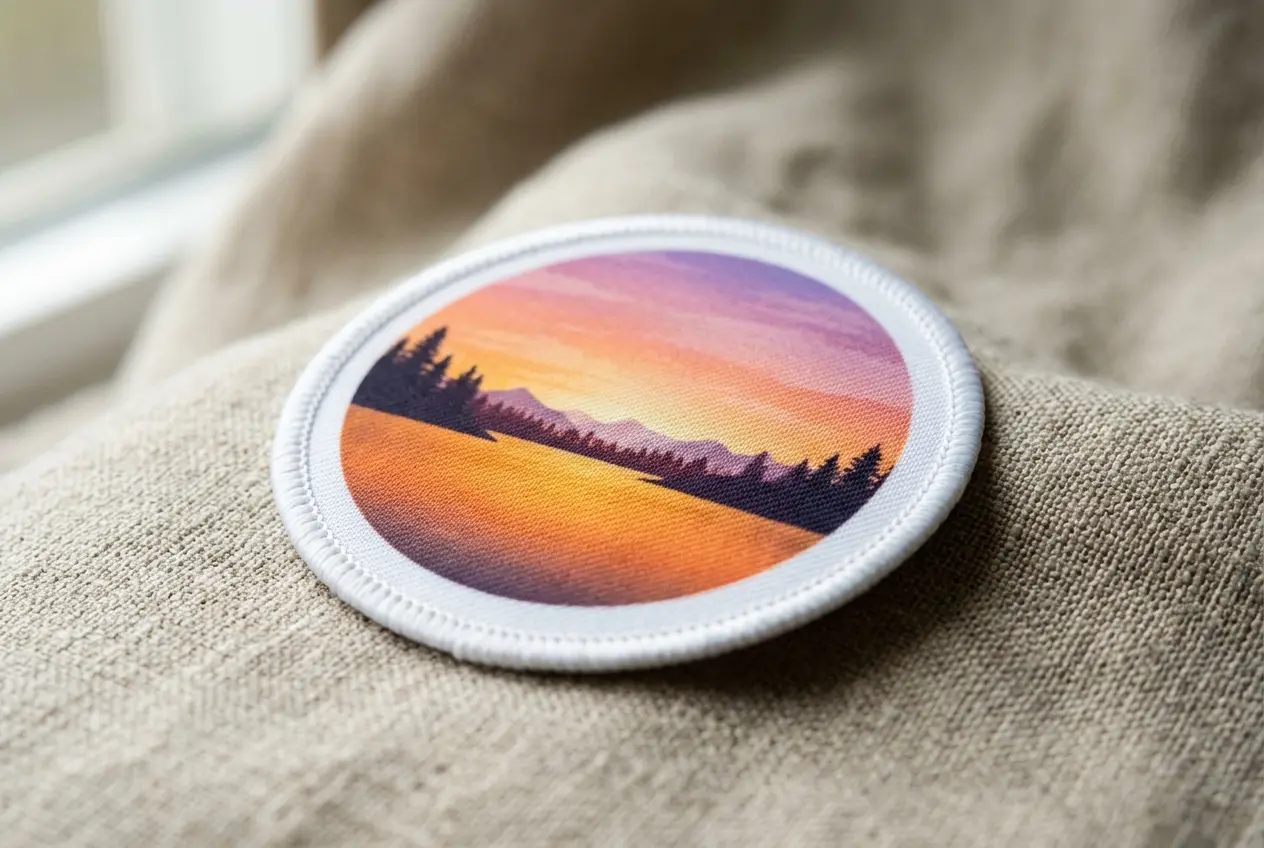
Dye-sublimation uses heat, not a coating. The dye turns to gas and enters polyester fibers. It cools and stays inside.
Surface ink can crack when a patch flexes. Dye in the fiber moves with the cloth. That keeps the image smooth after bending.
- Dye sits inside the fiber
- Nothing to crack or peel
- Surface stays smooth to touch
- Image edge is sharp and clean
| Design | Colors | Print result |
|---|---|---|
| Simple logo | 2 to 3 | Clean flat color |
| Illustration | 8 to 15 | Rich detail |
| Photograph | Thousands | Smooth tones |
Full-Colour Digital Printing on Polyester Twill
Your patch prints digitally from your file. Every color comes from the same ink set. That is why custom sublimated patches hold 15 or more colors with ease.
A design with three colors prints the same way as one with thirty. Fine lines and soft blends stay intact.
- Polyester twill is the base fabric
- A digital file drives the print
- Color count does not change the process
- Fine lines and blends stay intact
Custom Printed Patches From a Photograph
A photo prints as fine dots of dye. Soft shading and skin tones come through. Quality depends on your source file.
A sharp original gives a sharp patch. A blurry phone shot gives a blurry one. Print cannot add detail that the file lacks.
- Send 300 dpi at final size
- Choose sharp, well-lit photos
- Skip heavy filters and compression
- Crop tight on the subject
| Feature | Dye-sublimation | Surface ink |
|---|---|---|
| Where the color sits | Inside the fiber | On top of the fabric |
| Surface feel | Smooth and flat | Slightly coated |
| Cracking when flexed | Not expected | Can happen over time |
| Best for | Photos and gradients | Flat, solid graphics |
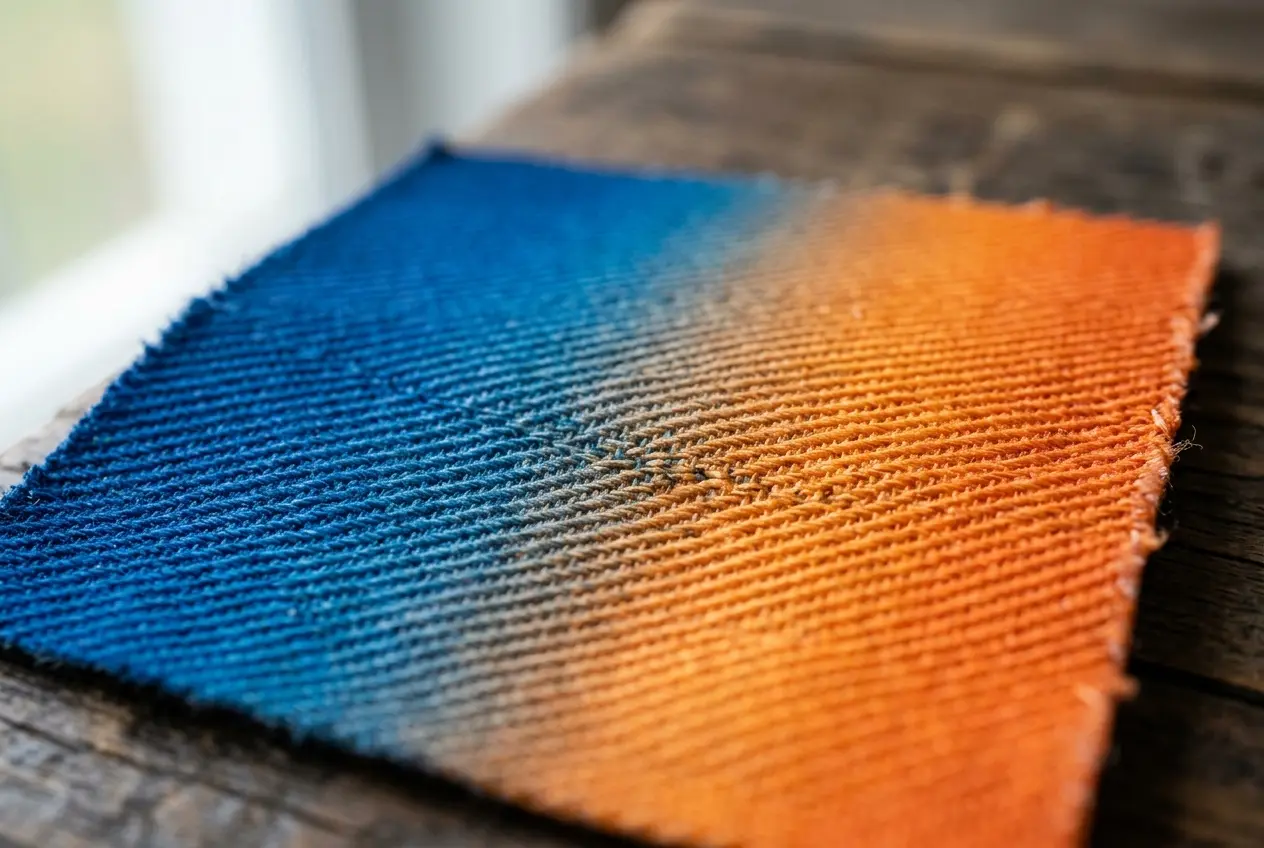
That difference explains most print choices. If the art needs shading, dye wins. If it needs stitches, thread wins.
The patch lies smooth and thin.
Gradients and photos stay intact.
Each patch is built from your file.
HONEST LIMITS
What a Printed Patch Can and Cannot Do
Print is a strong choice for color. It is a weak choice for texture. Custom sublimated patches show what you draw, flat and sharp.
We state the limits up front. That way you pick the right patch the first time. Every limit below comes with a fix.
| A printed patch can | A printed patch cannot |
|---|---|
| Print photos and gradients | Add raised texture |
| Hold 15+ colors in one design | Print white ink |
| Show fine detail and small text | Print metallic shine |
| Match brand colors on the proof | Promise screen colors match exactly |
| Stay flat and light on the garment | Outlast embroidery under heavy abrasion |
| Fit hat panels and flat surfaces | Add 3D puff or stitched relief |
| Take iron-on or velcro backing | Take both backings on one patch |
White Is the Base Fabric, Not an Ink
Dye has no white. White in your artwork shows the fabric color. On a white base that looks right.
On a colored base, the white turns into that color. Your logo may look different from the file. The proof shows you before anything is made.
- White areas show the base fabric
- Fill the background with a color
- Check every white area on the proof
- Tell us early if white matters
Small Text, Thin Lines and the 300 DPI Rule
Print holds finer detail than stitching. Printers often list 6 to 8 pt as the smallest readable text. That is about 2 mm tall.
Treat that as a guide, not a promise. Our own limit shows on your free proof. Bold fonts always read better small.
| Item | Typical guide | Tip |
|---|---|---|
| Text height | 6-8 pt, about 2 mm | Use bold weights |
| Photo resolution | 300 dpi at final size | Send the original file |
| Line width | Avoid hairlines | Thicken thin strokes |
| Gradients | Smooth color steps | Use the full tone range |
- Pick bold fonts for small text
- Thicken hairlines before sending
- Never enlarge a small photo
- Set your file at final patch size
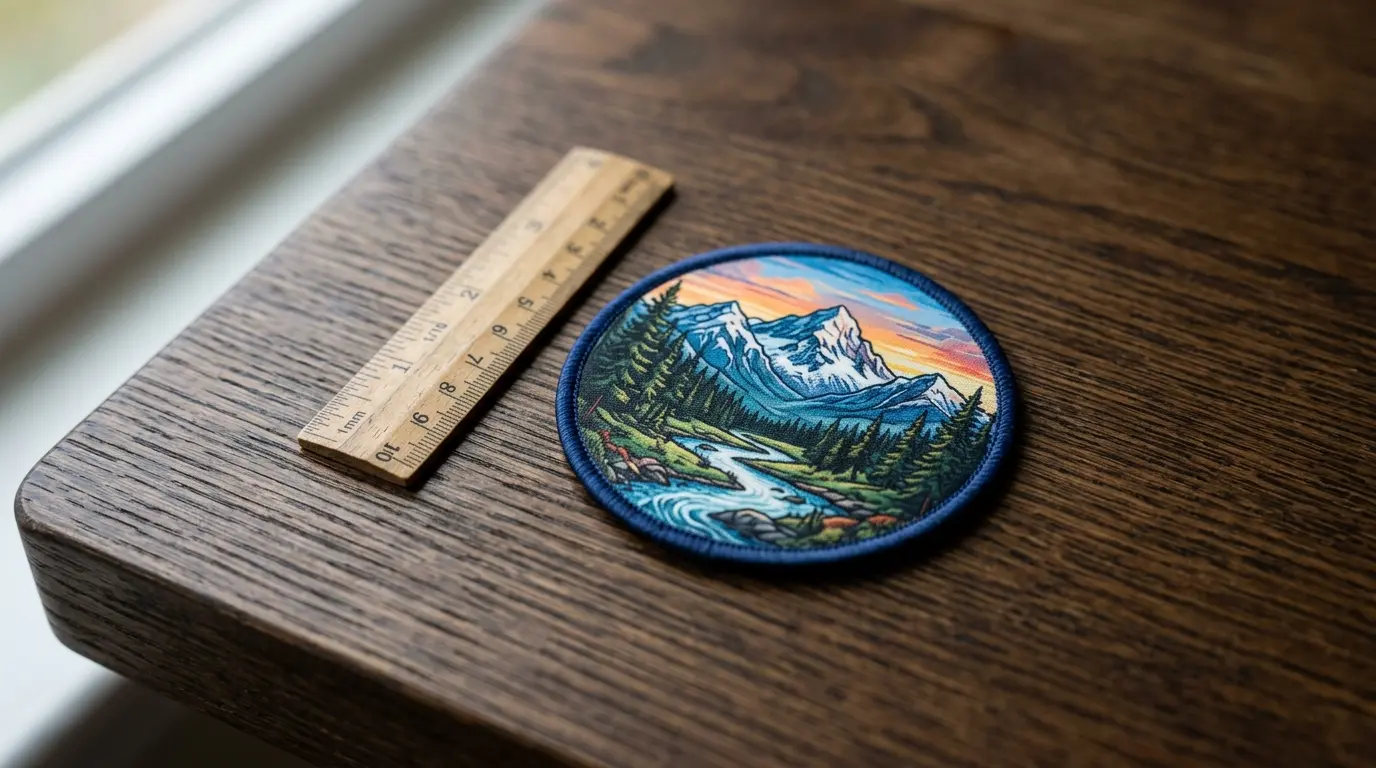
Flat Finish: No Raised Texture
Print has no stitches, so the surface is smooth. The patch lies flat on a shirt or bag. Backing adds a little stiffness.
That flat look suits modern art and photos. It does not suit a chunky, retro stitched look. Pick the finish you want.
- Smooth feel with no stitch bumps
- Thin profile under straps
- Raised letters need embroidery
- Backing sets the final stiffness
Add a color fill behind it.
Enlarge it or pick a bold font.
Send the original file instead.
Switch to embroidery or chenille.
Pros
- Photos and gradients print well
- Color count is not a limit
- Surface is smooth and light
- Fine lines hold up
Limits
- No raised texture at all
- White is the fabric color
- Rubbing wears dye faster than thread
- Screen color can differ from fabric
Metallic and glitter looks need a different build. Browse specialty patches for those.
- Underbase
- A white layer under ink in some print methods. Dye-sublimation has none.
- Hairline
- A very thin line that can vanish in print.
- Dpi
- Dots per inch. More dots mean a sharper image.
Think of limits as design rules. Work inside them and print looks superb. Fight them and you get surprises.
| Problem | Why it happens | Fix |
|---|---|---|
| White looks gray | Base fabric shows through | Fill the background |
| Text looks fuzzy | Letters are too small | Enlarge or bolden |
| Photo looks soft | File is too small | Send the original |
| Colors look dull | File uses RGB neon | Switch to CMYK values |
- Flat tones print cleaner than tiny speckle
- Soft shading prints well at larger sizes
- Bold outlines keep small shapes readable
PRINT OR STITCH
Printed or Embroidered: How to Choose for Your Design
Pick by design, not by habit. Custom printed patches suit art with many colors. Embroidery suits bold, simple shapes.
Look at your artwork first. Count the colors. Look for gradients, tiny text and photos. Both finishes are good, but neither wins every time.
| Your need | Printed | Embroidered |
|---|---|---|
| Photo or gradient | Full detail | Poor fit |
| 15+ colors | Prints easily | Hard to stitch |
| Raised texture | Flat only | Stitched relief |
| Tiny text | Finer detail | Needs larger text |
| Heavy daily wear | Good, less rugged | Toughest choice |
| Light weight | Lighter | Heavier |
| Bold simple logo | Works well | Classic look |
| Stitched premium feel | Not available | Yes |
- Stitch count
- The number of thread stitches in a design. More stitches mean a heavier patch.
- Color limit
- Embroidery works best with a handful of thread colors.
- Hand
- How the patch feels. Print is smooth. Embroidery is raised.
- Abrasion
- Rubbing wear. Thread outlasts printed dye.
| Design | Pick | Why |
|---|---|---|
| Pet photo | Printed | Photos need dye |
| Three-color club logo | Embroidered | Bold, raised, rugged |
| Band album cover | Printed | Fine art and gradients |
| Fire crew crest | Embroidered | Daily wear and washing |
| Brand fade logo | Printed | Smooth color blends |
Choose Print for Gradients, Photos and 15+ Colours
Say your art has a sunset sky or a soft glow. Embroidery would turn that into bands of color. Print keeps it smooth.
Print wins whenever the art has shading. Thread cannot blend like dye. Each stitch is one solid color.
- Photos and portraits
- Color fades and gradients
- Logos with 15+ colors
- Fine illustration detail
- Small runs of detailed art
Think of a work jacket or a bike vest. It gets pulled, rubbed and washed. Thread shrugs that off better.
When Embroidery Beats Print: Raised Texture and Heavy Wear
Embroidery wins on touch and toughness. Thread stands up from the twill. It also takes rubbing better than printed dye.
- Raised letters and logos
- Workwear washed every week
- Bold shapes with few colors
- Patches that rub all day
- A classic stitched look
Need stitching instead? See our embroidered range. For a full side-by-side, read the embroidered, woven and PVC comparison.
- Count the colors
Many colors point to print.
- Look for shading
Gradients and photos need print.
- Think about wear
Daily rubbing points to embroidery.
- Decide the feel
Flat means print. Raised means thread.
| Feature | Printed | Embroidered |
|---|---|---|
| Thickness | Thin | Thicker |
| Edge feel | Smooth | Stitched ridge |
| Photo realism | High | Low |
| Retro look | Low | High |
Both types are made to order. Neither one is ready-made stock. You can request either from one quote form.
WHERE PRINT PAYS
Custom Printed Patches for Events, Bands and Merch
Print pays off when art is detailed and runs are small. Bands, events and shops use it for that reason. Each use below has its own backing needs.
Band art prints with its full palette.
One small run for a single show.
Members get a patch with the club art.
Pair patches with shirts and tote bags.
Order Patches Custom Printed for Merch Runs and Fan Clubs
A merch run often has art with many colors. Print handles all of them in one pass. Fan clubs can add a new design each season.
| Use | Art style | Backing |
|---|---|---|
| Tour merch | Illustrated band art | Iron-on or sew-on |
| Fan club | Mascot or portrait | Velcro for swaps |
| Festival badge | Date and logo | Iron-on |
| Shop merch | Brand color fade | Sew-on |
Illustrated band logos suit this well. So do album covers and tour posters. Shrink the art and the detail stays.
- Tour and album art
- Fan club member patches
- Limited design drops
- Gift and giveaway patches
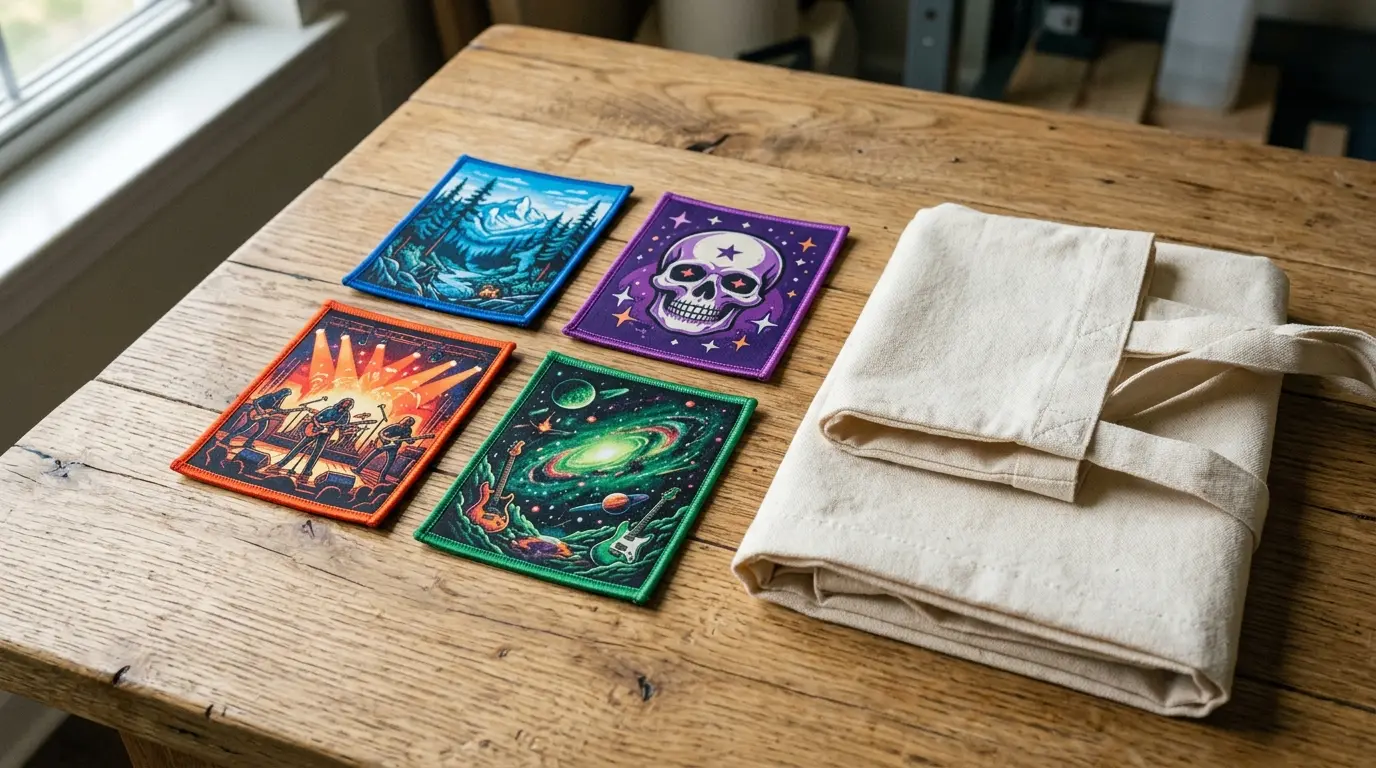
Custom Printed Iron On Patches and Velcro Backing
Iron-on and velcro are both live backing options. You pick one backing per patch. Iron-on suits cotton. Velcro suits bags and vests.
| Backing | Best for | Watch out for |
|---|---|---|
| Iron-on | Cotton tees and totes | Add stitches for hard wear |
| Velcro | Bags, vests, swaps | Needs a loop panel |
Iron-on adhesive activates with heat. It bonds to cotton and many blends. Check your fabric heat limits first.
- Iron-on: quick fit on cotton
- Sew around iron-on edges for extra hold
- Velcro: swap between garments
- Hook side on patch, loop on garment
Compare more in our backing guide or on the iron-on page.
Custom Printed Patches No Minimum: From One Piece
You can order one patch or 100,000. There is no minimum order. A free digital proof comes first.
That helps a band testing one design. It helps a shop checking demand. You buy only what you need.
- Test one design before a run
- Order a handful for a small show
- Scale up if the design sells
- Reorder at any size
See current rates on the pricing page.
Custom Printed Back Patch: Photo Detail at Large Sizes
Large panels show off photo detail. A back patch gives your art room to breathe. Check file resolution at the final size.
A small file stretched across a big panel looks soft. Ask for the original instead. Vector art scales without any loss.
- Send artwork at full print size
- Keep key detail off the edges
- Sew-on suits heavy jackets
- Match panel size to the garment
Pros
- Test art before a big run
- Spend less on a trial
- Order odd quantities
Limits
- Per-patch rate is higher at low counts
- Larger runs lower the per-patch rate
| Panel size | Photo detail | Tip |
|---|---|---|
| 8 in | Good | Keep text bold |
| 10 in | Strong | Use 300 dpi at size |
| 12 in | Best | Send vector or a large file |
| Goal | Start with | Then |
|---|---|---|
| Test a design | A few pieces | Reorder after review |
| Small show | A small batch | Add more if it sells |
| Full merch line | A larger batch | Mix designs by file |
| Gift run | The exact count | No leftovers |
Pick the backing before you order. Velcro needs a loop side on the garment. Iron-on needs a heat source.
Large fan groups often want one design for many people. Print keeps every copy identical. Check the proof once and approve it.
PHOTO PATCHES
Photo and Gradient Patches: Pet Portraits, Team Photos and Logo Fades
Some art only works in print. Printed patches custom made from your photos keep soft shading. Ask for patches custom printed from a sharp file.
Thread cannot copy a photo. Dye can. These six uses show where print earns its place.
A face with fur detail and soft eyes.
A group shot shrunk to a keepsake.
Album art with its full palette.
A logo with a smooth color blend.
Photo and logo on one patch.
A loved one's portrait on a small patch.
- Use the sharpest original photo
- Crop tight on the subject
- Avoid dark, muddy shadows
- Keep faces large in the frame
- Send the file, not a screenshot
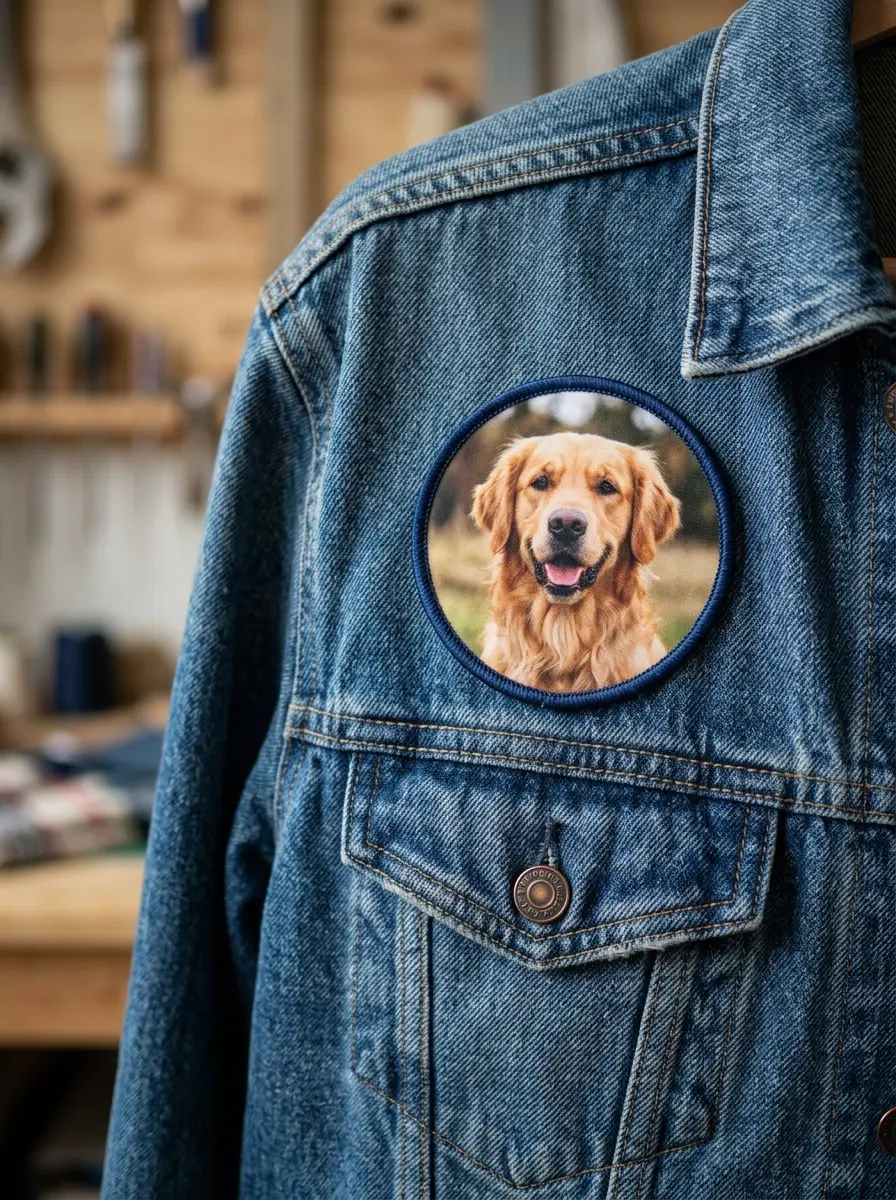
Pet owners can browse our pet patch page. Groups will like team and club patches.
| Source photo | Likely result | Fix |
|---|---|---|
| Sharp, bright, large | Crisp and lifelike | None needed |
| Dark or backlit | Muddy shadows | Brighten before sending |
| Small web image | Soft and blurry | Find the original |
| Busy background | Subject gets lost | Crop tight or simplify |
- Pick the photo
Choose the sharpest original.
- Crop it
Frame the subject tightly.
- Send the file
Upload at full size.
- Check the proof
Look at eyes and edges first.
- Resolution
- Pixels per inch. 300 dpi at final size is the usual target.
- Crop
- Trim the photo to the subject and the patch shape.
- Contrast
- The gap between light and dark areas. Higher contrast reads better small.
Group photos need care. Faces shrink fast. Keep groups to a few people.
Pros
- Soft shading stays smooth
- Portraits look lifelike
- Logo fades blend cleanly
Limits
- Tiny faces lose detail
- Dark photos turn muddy
- Low-resolution files blur
Memorial patches deserve extra checking. Approve the proof slowly. Free revisions let you adjust.
| Subject | Suggested size | Tip |
|---|---|---|
| Single face | 3 in or more | Frame tight |
| Pet portrait | 3 in or more | Show the eyes clearly |
| Group of three | 5 in or more | Avoid tiny faces |
| Landscape | 4 in or more | Use a wide ratio |
Eyes carry the portrait. Zoom in on them first.
Hair and fur edges can blur in small sizes.
Skin and fur tones should look natural.
COLOR MATCH
Colour Accuracy: CMYK, Pantone Proofs and Screen Shift
Print mixes color from CMYK inks. Your screen glows, but ink reflects light. So colors can shift between the two.
We send a free Pantone-matched digital proof in 24 hours. Even so, custom patches printed from a screen file can look different on fabric. Custom sublimated patches also take color from the base fabric.
| Color type | Typical result | Tip |
|---|---|---|
| Brand solid colors | Close match on the proof | Give the Pantone number |
| Bright neon shades | Often look softer | Expect a calmer tone |
| Deep black | Rich on most bases | Use a true black fill |
| Pastels | Soft and accurate | Check them on the proof |
| Gradients | Smooth blend | Avoid banding in the file |
- Name your Pantone color if you have one
- Work in CMYK, not RGB
- View the proof on a bright screen
- Approve only when colors look right
RGB is the screen model. It holds colors that CMYK cannot. Neon green and electric blue are common examples.
Not sure which brand color to use? Send the Pantone number and a sample. We match the proof to it.
- CMYK
- Cyan, magenta, yellow and black. The ink model for print.
- RGB
- Red, green and blue light. The screen model.
- Pantone
- A numbered color standard used to match brand colors.
- Proof
- A digital preview you approve before production.
- Send your art
Add Pantone numbers if you have them.
- Get your proof
A free digital proof arrives within 24 hours.
- Request changes
Revisions are unlimited and free.
- Approve it
Production starts after your approval.
Photos shift most. Skin tones and sky blues are sensitive. Look at them first.
- Brand colors
- Skin tones
- Gradient smoothness
- White areas
Monitors change with brightness and settings. Set your screen to full brightness for the proof. Compare with a printed Pantone swatch if you own one.
- Compare the proof to your brand sheet
- Flag any shade that looks off
- Approve only when the tones feel right
EDGES AND SHAPES
Edge Finishes and Shapes for Printed Patches
An edge frames the print and slows fraying. Printed patches custom made in odd shapes need a clean cut. Edge options vary by maker, so ask which fit your design.
| Edge | What it is | Best for |
|---|---|---|
| Merrow | Overlock stitching around the rim | Classic stitched look |
| Hot cut | Heat-sealed cut edge | Clean, flat outlines |
| Laser cut | Precise cut for complex shapes | Detailed outlines |
| Embroidered border | Stitched frame around the print | Sturdy, framed look |
- Ask which edges suit your shape
- Simple shapes cut cleanest
- Thin points can fray
- Keep bleed past the cut line
Round, square and rectangle shapes cut cleanest. Custom outlines need more care. Sharp inner corners and thin tips are the weak spots.
Clean edge, no corners to fray.
Simple cut, fits name and logo art.
A classic crest outline.
Follows your artwork shape.
Raw fabric edges can fray. A finished edge seals the weave. That is the main job of an edge.
| Shape | Edge fit | Note |
|---|---|---|
| Circle | Merrow or hot cut | Even edge all round |
| Rectangle | Any edge | Sharp corners need care |
| Shield | Merrow or laser cut | Points can fray |
| Custom outline | Laser or hot cut | Check on the proof |
| Oval | Merrow | Smooth curve |
- Bleed
- Art that runs past the cut line.
- Cut line
- The path where the patch is trimmed.
- Safe zone
- The inner area where key detail stays.
Pros
- Frames the art
- Seals loose threads
- Adds a stitched look
Limits
- Covers the outer rim of art
- Adds a thread color to match
- Some shapes cannot take one
Complex outlines raise the risk of fraying. Smooth curves and wide points work better. Send your outline as a vector path.
| Edge | Look | Feel |
|---|---|---|
| Merrow | Stitched rim | Slight ridge |
| Hot cut | Plain cut | Flat |
| Laser cut | Sharp outline | Flat |
- Round and rectangle shapes cut cleanest
- Avoid sharp inner corners
- Avoid thin points under 2 mm
- Ask about shapes on the free proof
SIZE GUIDE
Printed Patch Sizes: Small Text to Large Panels
Size sets how much detail shows. Custom patches printed small lose fine text. Large panels show photo detail.
Pick the size from the art, and from the garment. A detailed design needs room to breathe. A simple badge can stay small.
| Size band | Typical use | Detail level |
|---|---|---|
| Under 2 in | Name or logo badge | Basic detail |
| 2 to 3 in | Chest or sleeve logo | Good detail |
| 3 to 5 in | Bag or hat panel | Clear detail |
| 5 to 8 in | Jacket or vest | Strong photo detail |
| 8 in and up | Back panel | Best photo detail |
- Smaller size means bolder art
- Match size to viewing distance
- Tell us the exact size you need
- Check sizes on the free proof
Planning a cap? Custom printed patch hats work best on flat front panels. See our hat page.
- Measure the spot
Check the garment area for the patch.
- Match the detail
Fine art needs more room.
- Leave a margin
Keep clear of seams and pockets.
- Check the proof
See the size next to a ruler.
Light, subtle, quick to place. Fine text and photos lose detail.
Strong photo detail. They need more garment space and a sturdy backing.
| Garment | Common spot | Size idea |
|---|---|---|
| T-shirt | Left chest | 2 to 4 in |
| Jacket | Upper back | 8 to 12 in |
| Cap | Front panel | 2 to 3 in |
| Bag | Side pocket | 3 to 4 in |
These are examples, not limits. Tell us your garment and spot. We suggest a size on the proof.
- Tiny patches need big, bold art
- Photos need 3 in or more
- Name badges can stay small
- Back panels suit full artwork
Check the size against your screen first. Hold a printed paper copy to the garment. Many buyers resize after this simple step.
SCREEN VS DYE
Custom Screen Printed Patches vs Sublimation: What We Print Instead
Screen printing pushes thick ink through a stencil. We print by dye-sublimation instead. One digital print carries every color.
Buyers often search for screen printed patches. They usually want a printed look, not that exact process. Dye-sublimation delivers the look.
| Screen printing | Dye-sublimation (what we print) |
|---|---|
| Ink sits on the surface | Dye bonds into the fiber |
| One stencil per color | One digital print, any colors |
| Best for few solid colors | Best for photos and gradients |
| Slight ink texture | Flat, smooth finish |
| Setup repeats for each color | A digital file drives the print |
- Few solid colors: try embroidery
- Photos and gradients: choose print
- Not sure: send the art for advice
Compare stitched and woven options in our patch type guide.
- Plastisol
- Thick ink used in screen printing.
- Spot color
- One flat ink color, mixed to match.
- Halftone
- Tiny dots that imitate shading.
Some sellers say screen printed for any printed look. Others mean the real stencil process. Ask which one a seller offers.
Saw a patch in a shop and want that look? Send us a photo of it. We tell you if print suits it.
| You search | You usually want | What fits |
|---|---|---|
| Screen printed patches | A printed look | Dye-sublimation |
| Sublimated patches | Full color on twill | Dye-sublimation |
| Printed patches | Photos and color | Dye-sublimation |
Screen printing suits big runs of one or two colors. Some printers set minimums for it. Dye-sublimation works for a single piece.
Best for photos, fades and many colors.
Best for bold logos and raised texture.
CARE AND WEAR
Do Custom Printed Patches Fade? Washing, Sun and Abrasion
Dye inside the fiber resists fading better than surface ink. Still, no patch lasts forever. Heat, sun and rubbing wear any color.
We do not quote a wash count. The tips below are general care advice. Your garment label comes first.
| Do | Avoid |
|---|---|
| Wash cold on gentle | Hot water and harsh heat |
| Turn the garment inside out | Bleach or strong stain remover |
| Air dry flat or hang | High-heat tumble drying |
| Press with a cloth over it | Ironing straight on the print |
| Store flat and dry | Long direct sun exposure |
| Spot clean when you can | Scrubbing with a stiff brush |
What Makes a Printed Patch Fade
Strong sun and bleach break down dye over time. Hot washes speed it up. Friction dulls the surface too.
Fading is gradual. You notice it first on bright shades. Light colors hide it better.
- Strong sun for long periods
- Bleach and harsh cleaners
- Hot washes and hot dryers
- Rough scrubbing of the surface
Heavy Abrasion: Where Embroidery Wins
Print is not the toughest finish. Patches that rub on straps or seats wear faster. Stitched thread takes more rubbing.
- Bag straps and seat belts
- Work gloves and knee pads
- Any spot with daily friction
For those jobs, look at our stitched patches.
Washing and Storing a Printed Patch
Wash cold with the garment inside out. Air dry it. Fold flat for storage.
- Wash inside out on gentle
- Air dry away from direct sun
- Store flat in a dry drawer
Heat matters here. Custom printed iron on patches need a pressing cloth, never a bare iron.
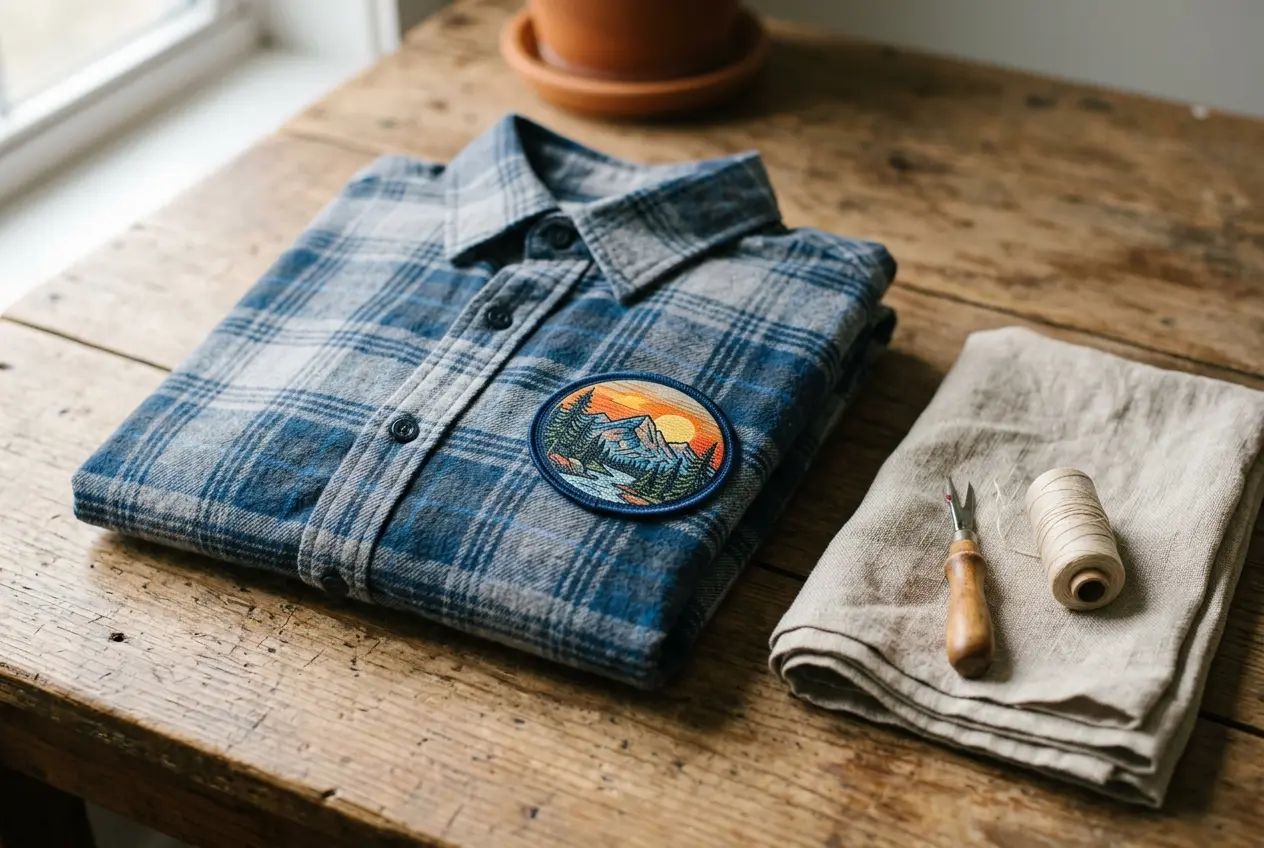
Want removal or washing help later? Read our patch care guide.
Long exposure bleaches dye.
Hot dryers stress the fiber.
Bleach strips color.
Rubbing dulls the surface.
| Use | Wear level | Better choice |
|---|---|---|
| Display jacket | Low | |
| Weekly-wash uniform | High | Embroidery |
| Hat front | Medium | Print on a flat panel |
| Bag strap area | High | Embroidery |
| Costume | Low |
- Turn it inside out
Protect the print from rubbing.
- Wash cold
Use a gentle cycle.
- Air dry
Skip the hot dryer.
- Store flat
Keep it dry and out of sun.
- Colorfast
- Dye that resists bleeding in water.
- Abrasion
- Wear from rubbing against another surface.
- Heat transfer
- Heat moving dye or glue from one place to another.
Sun matters most for outdoor gear. A hat worn daily sits in light for hours. Rotate patches if you can.
- Check care labels first
- Wash patched items with like colors
- Never leave patched items in a hot car
- Rotate favorite patched garments
Choose the finish for the job. Display pieces suit print. Hard-working gear may suit thread better.
Keep a spare patch from each batch. Compare it to a worn one after a season. That shows how your design ages.
ARTWORK PREP
Artwork Checklist for Printed Patches: Files, Bleed and Safe Zones
Good files make good prints. Printed patches custom made from vector art stay crispest. Custom patches printed from photos need 300 dpi.
Run through this list before you upload. It takes two minutes. It saves a round of revisions.
- Vector logo or 300 dpi image
- Final size set in the file
- 2 mm bleed past the cut line (typical)
- 3 mm safe zone for key art (typical)
- Text converted to outlines
- Colors set in CMYK
- Pantone numbers named
- Backing choice noted
| Format | Type | Best use |
|---|---|---|
| AI, EPS, PDF | Vector | Logos and text |
| PNG, JPG | Raster | Photos at 300 dpi |
| SVG | Vector | Web logos |
| PSD, BMP, TIF | Raster | Layered or large images |
Bleed is art that runs past the cut line. Safe zone is the inner area where key detail stays. Both protect your design from trimming.
- Low-resolution web images
- Text too close to the edge
- Screenshots instead of files
- RGB neon colors that dull in print
- Hairline strokes
- White art on a white base
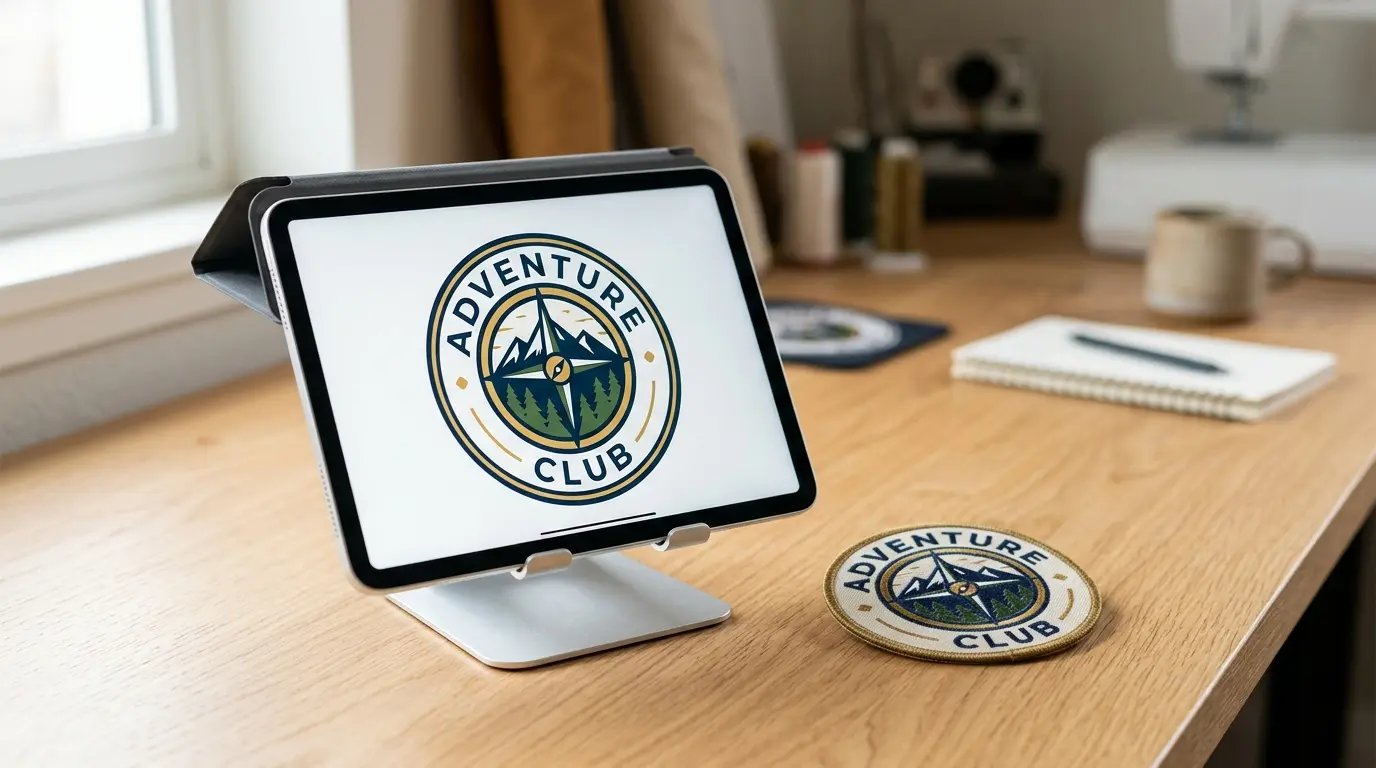
No design yet? Try our patch design tool.
- Prepare the file
Set size, bleed and safe zone.
- Upload it
AI, EPS, PDF, PNG, JPG, SVG, PSD, BMP or TIF.
- Add notes
Name Pantone colors and backing.
- Review the proof
Check text, colors and white areas.
- Approve
Production starts after you say go.
- Vector
- Art built from lines and shapes. It scales without blur.
- Raster
- Art built from pixels. It needs enough resolution.
| Mistake | What happens | Fix |
|---|---|---|
| Low-res photo | Blurry print | Send 300 dpi |
| Text near edge | Letters get trimmed | Use the safe zone |
| Missing bleed | White gap at edge | Extend art 2 mm |
| RGB neon | Dull result | Pick CMYK values |
| Thin lines | Lines vanish | Thicken strokes |
Fonts cause many errors. Convert text to outlines. That locks the letter shapes.
| Term | Typical value | Purpose |
|---|---|---|
| Bleed | 2 mm | Avoids white edges |
| Safe zone | 3 mm | Protects key art |
| Resolution | 300 dpi | Keeps photos sharp |
| Text size | 6-8 pt or more | Keeps text legible |
These values are typical, not fixed. Your proof shows the real result. Fix any problem before you approve.
Vector art scales to any size.
Photos need this at final size.
Check everything before approval.
- Name the file clearly
- Send one final version
- Keep a backup copy
- Flag any special color notes
- Keep key shapes away from the cut line
- Check that the logo edges look sharp
MADE TO ORDER
Printed Patch Production Steps: Print, Heat Seal, Cut and Check
Here is the typical order for a printed patch. Details vary by shape and backing.
- Print your design on transfer paper.
- A heat press bonds the dye into twill.
- The patch is cut to shape.
- The border and backing are added.
- Each patch is checked before it ships.
Custom patches printed this way start after you approve the proof. Printed patches custom made from your art follow the same path.
- Duty-free shipping worldwide
- 100% quality guarantee
- Unlimited free revisions
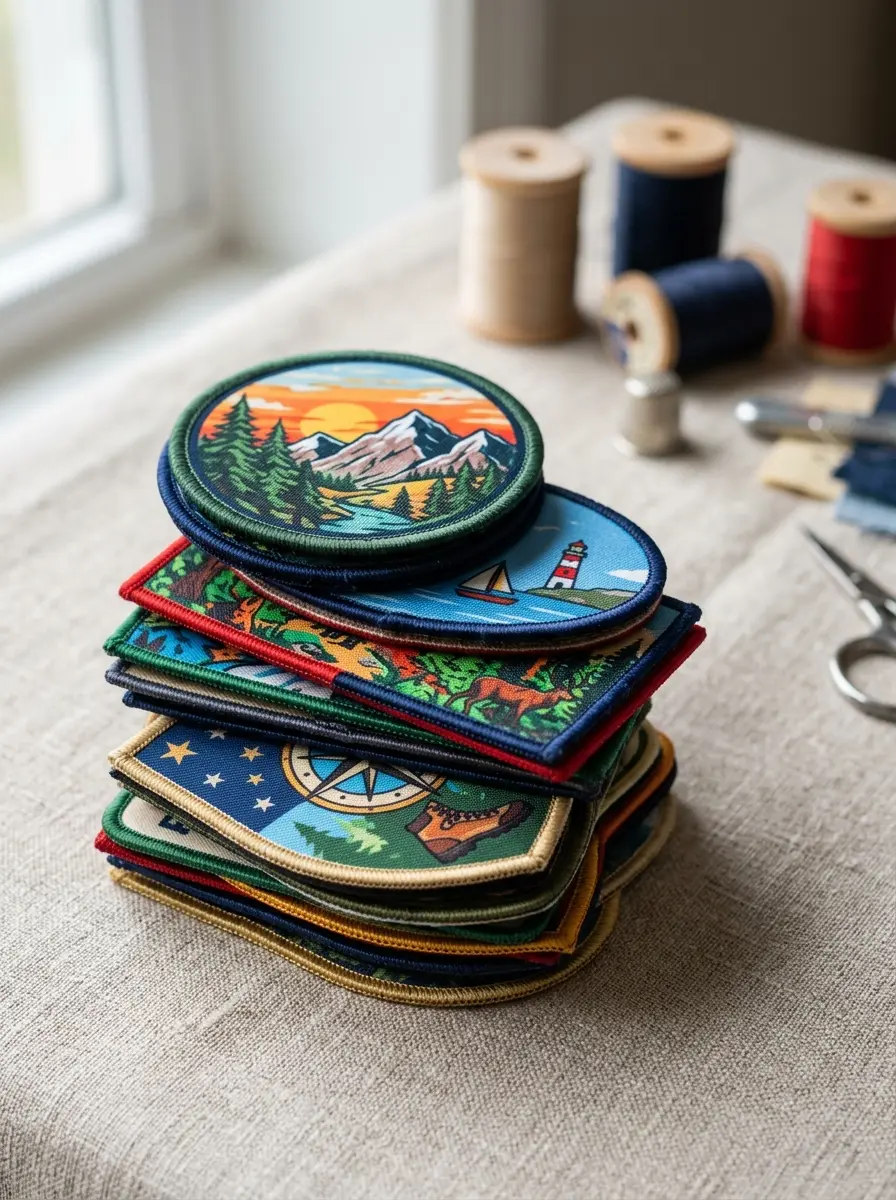
| Stage | Timing | Note |
|---|---|---|
| Proof | Within 24 hours | Free and revisable |
| Production | 10-14 business days | From proof approval |
| Rush | 5 business days | From proof approval |
| Shipping | Duty-free worldwide | 50+ countries |
- Mirror print
- Transfer art prints reversed so it reads right on the patch.
- Heat seal
- Heat and pressure bond the dye into the twill.
- Border
- The finished edge that stops fraying.
Nothing is made until you approve the proof. Take your time on the check. Production starts when you say go.
Rush orders use the same steps. They ship within 5 business days of proof approval. Ask for rush when you request your quote.
Shipping is duty-free worldwide.
Orders ship across the US, UK and beyond.
Every order carries a 100% quality guarantee.
- Confirm size and backing
- Check spelling and text
- Review all colors
- Approve in writing
READY TO ORDER
Start Your Custom Printed Patches Order: Free Proof in 24 Hours
Upload Artwork
Send any common file format.
Approve Your Proof
Free digital proof within 24 hours.
We Ship Worldwide
Standard 10 to 14 business days. Rush in 5.
Order custom printed patches no minimum, from one piece to 100,000. Browse every type on our home page.
No minimum. Free proof in 24 hours. Unlimited free revisions. Duty-free shipping worldwide.
COMMON QUESTIONS
What Buyers Ask About Printed Patches
What is a printed patch?
A printed patch carries its image as dye inside polyester twill. It is flat and full color. You get photos, gradients and fine detail that thread cannot copy. Every patch here is made to order from your artwork.
What is a sublimation patch?
Heat turns solid dye into gas. The gas bonds into polyester fibers as the patch cools. The result has no raised texture. The image cannot peel off like a sticker.
What do custom printed patches look like?
They look flat and smooth. Art can be photographic or full of gradients. An optional border frames the edge. You see no stitched texture, only clean color across the whole face.
What are the differences between sublimation and embroidery patches?
Print gives more color, finer detail and a flat finish. Embroidery gives raised texture and tougher wear. Read the full comparison.
Does Amazon sell patches?
Marketplaces mostly sell ready-made patches. We make yours from scratch. Every patch is built from your artwork. You get your own design, size and backing. Nothing is stock.
Do printed patches fade or wash out?
Dye sits inside the fiber, so it resists washing better than surface ink. Avoid bleach and hot dryers. Long, strong sun still dulls any color.
What are the downsides of sublimation?
There is no raised texture. White shows as the base fabric. The base is polyester. Heavy rubbing wears print faster than thread. For rough daily use, embroidery is the tougher choice.
Can I print a photo or a gradient on a patch?
Yes. This is the main reason to pick print. Send a 300 dpi file or vector art. Sharp originals give sharp patches, and our free proof shows you the result first.
What temperature and time do you use for sublimation patches?
We do not publish factory settings. They change with fabric and size. You never need to set them. For DIY steps, read our how-to guide.
Can I use Dollar Tree mugs for sublimation?
Only polyester-coated blanks take sublimation dye, so a plain mug will not work. That is a DIY craft question. For patches, skip the gear and order them made.
Do I need a heat press to order printed patches from you?
No. We print and finish every patch ourselves. You only send artwork and approve the proof. You need no heat press, no transfer paper and no printer at home.
How to create sublimation patches?
DIY needs a sublimation printer, transfer paper, a heat press and blank patches. Or skip the gear. Send us your art and we make them to order.
Can custom sublimated patches have an embroidered border?
Border options depend on your shape and size. Tell us what you want when you ask for a quote. We reply with what is possible.
Can I get custom printed iron on patches with velcro instead?
Iron-on and velcro are both available. You pick one backing per patch. Velcro suits bags and vests. Iron-on suits cotton. See backing options.
Can printed patches show white or metallic colours?
White shows as the base fabric color. Metallic inks are not part of print. For a shiny look, ask about specialty patches.
How small can the text be on a printed patch?
Printers typically list 6 to 8 pt as the smallest readable text. That is about 2 mm tall. Use bold fonts. Check small text on your free proof.
What resolution should my photo be for a printed patch?
Send 300 dpi at the final patch size, or vector art. Low-resolution files blur when stretched. Never enlarge a small web image. Ask for the original photo instead.
Do printed patches feel stiff or flat?
They feel flat and smooth because there are no stitches. Stiffness depends mostly on the backing. Iron-on adds a little. Velcro adds more.
Are printed patches good for hats?
Yes, on flat front panels. Curved or seamed spots can distort art, so placement matters. See our hat patch page for fit, sizes and placement tips.
Can I match my brand colour on a printed patch?
Yes, closely. Give us your Pantone number. You get a free Pantone-matched proof in 24 hours. Screens differ from print. Judge the proof carefully. Ask for free changes if needed.
Can a printed patch have a clear or see-through area?
Not on the standard base. The patch needs a full fabric face. Clear gaps cannot hold ink. Ask for a shaped edge instead, so the outline follows your design.
KEEP EXPLORING